
This is my first time placing an online order on a website not associated with RSI. My experience has not been entirely good. I placed the order, checking that the website states a “delivery time” of 12 hours maximum, according to their shipping policies.
After more than 24 hours had passed, I contacted the support team via email and via Discord. However, I did not receive a response through either channel (25 hours have now passed since the initial order), and neither in the order nor anywhere else is there any information other than the amount paid and that the order is in a “confirmed” status.
The Discord support system is an open channel for everyone, where it is possible to review the issues of absolutely all customers, which does not give a very good image of the website, although it is worth praising the fact that they are transparent in that regard.
I’m not saying I don’t recommend the website. Anyone can have a bad experience due to many issues beyond our control; however, I personally would not choose to buy from this website again.
Kind regards
Oversaw my order and had to contact support to get it delivered after 4 days.
lieferung innert 24h? wers glaubt. lieferung erfolgte erst nach mehreren wochen und das auch nur weil man mit anwalt und rechtlichen schritten drohte.. also mein fazit; finger weg von der Starlight Trading Industries! :(
wenn ihr etwas ausserhalb von robertspaceindustries kaufen wollt, dann geht zu star-hangar.com! die liefern wirklich zwischen sofort und 24h und haben einen top service und kundendienst und sogar eine versicherung falls mal ein spieler nicht liefert und euch verarschen will. die wissen was sie tun! :)
Great price, Great Experience.
Cheapest upgrade from my Avenger Titan to the new Gatac Railen. Came in 10 parts and following the instructions it all worked seamlessly. Ended up with two ships to play with until launch day and then..... Wow! What a beauty!
Thanks SLTI - Good Job!
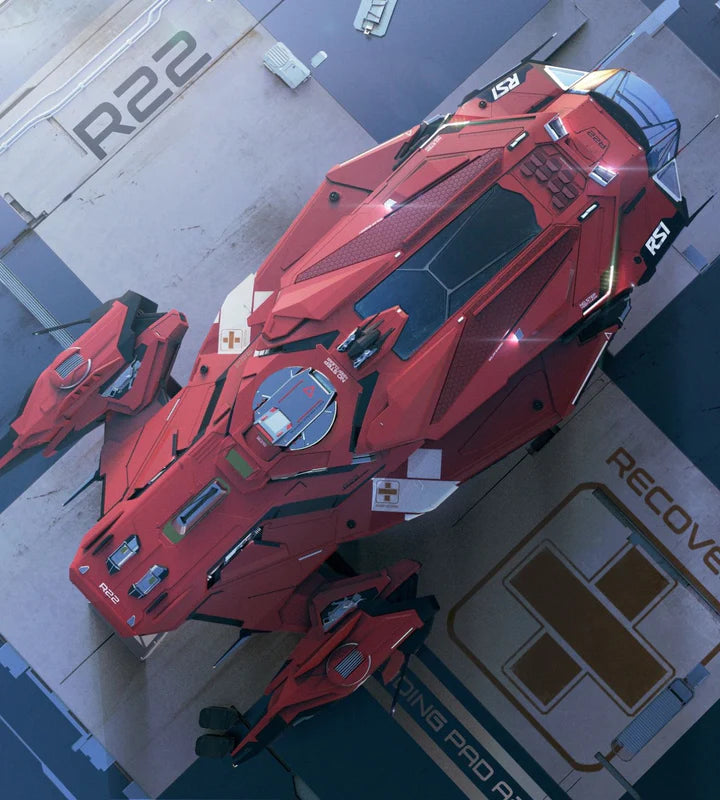
It's the first time probably last that i purchase CCUs on this site. Indeed i've ordered Prospecto ro A1 but got Terrapin Medic at the end, the support didn't reply.
I found the missing part on Star Hangar muche better, never had issues